What manual payment tracking really costs
Taking a payment is easy. Seeing at a glance who owes how much, and since when, is the hard part. With a notebook or Excel, this is what usually happens:
- a partial payment is not written down and the remainder is forgotten;
- a discount is not taken off the debt, so the student ends up with a phantom debt;
- at the start of every month the manager calls debtors one by one;
- in the evening the cash in the till does not match the notebook;
- when a student leaves, there is an argument about how much to refund.
The debt ledger keeps itself
When a student joins a group, and then every month, a debt entry for that month opens automatically, due on the 10th. When a payment arrives, the debt goes down or closes. Debt is tracked separately for each group, so the payments of a student on two courses never get mixed up.
Switching mid-month is fine: you enter each student's current debt or overpayment and the next due date is calculated from there. Entering past months' history is optional.
Taking payments, receipts and discounts
The manager selects the student and enters the amount and method — cash, card or bank transfer. Payments can be full or partial; with a partial payment the rest stays as debt with a visible due date. Overpaying is blocked, a receipt with the center's name is printed, and the student and parent receive a payment confirmation SMS (if that event is switched on).
A percentage or fixed discount can be applied at the time of payment. It shows on the receipt and is taken off the debt ledger too, so no phantom debt is left. You give the right to grant discounts only to the managers who need it — it is one of 23 permission checkboxes. If a student has saved up coins, they turn into a discount at the set rate and appear as a separate line on the receipt.
Debtor list and automatic reminders
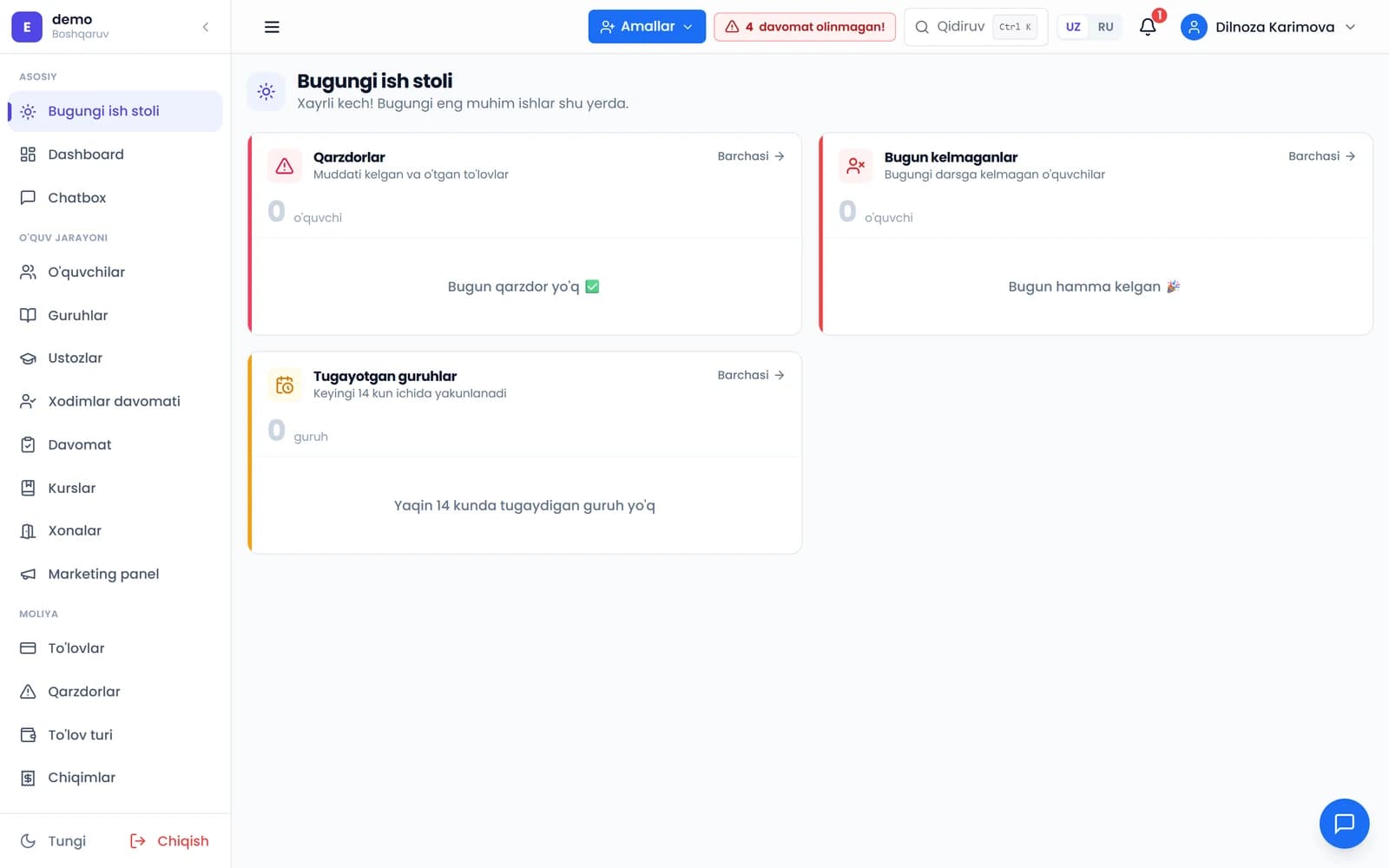
The debtor list shows who owes how much and for which group, and the manager's daily desk has a separate block for payments that are due or overdue. As the due date approaches, the student gets an automatic SMS every day at 09:00: you write the text, and the name, group and amount owed are filled in when it is sent.
If needed, you can send debtors an extra bulk message, and the same message is never sent twice within an hour. SMS go out from the center's own smsxabar.uz account and are paid to the provider directly. More: SMS and Telegram.
Refunds, wallet and archive
When a student is removed from a group, the system works out the price of one lesson and suggests a refund for the lessons not taken, and a second refund for the same lessons is blocked. Overpayments go into the student's wallet and are used for the next payment. Before archiving, the system shows for each group how much was studied, how much was paid and how much should be returned.
On a refund, the share the teacher already received can be deducted from their account. More: teacher salary calculation.
Cash control
The daily cash report shows on one screen how much came in by cash and card and how much went out — expenses, salaries, advances and refunds. Every payment is recorded with who took it, when and how, so checking the cash in the till against the report is straightforward.
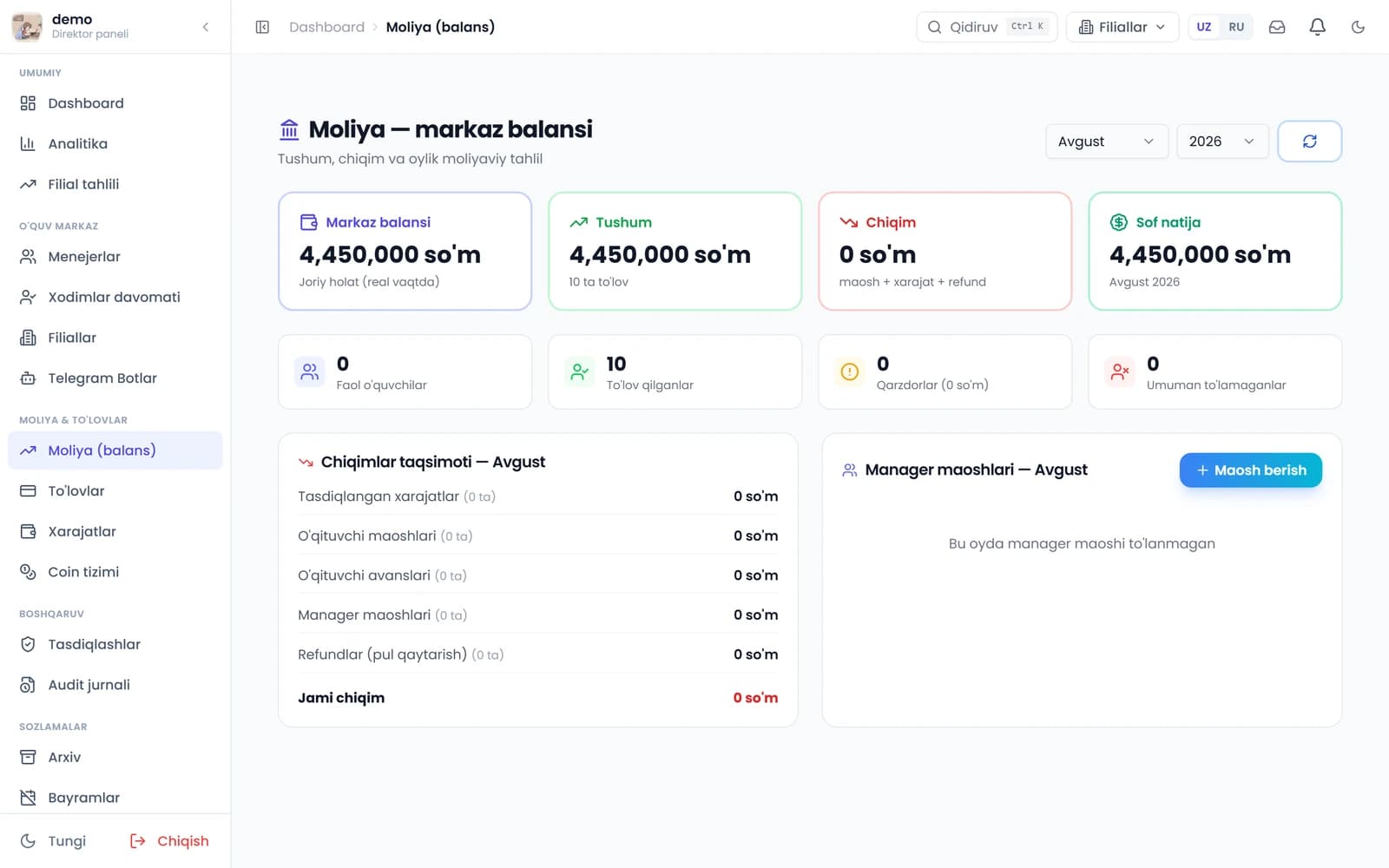
The center's cash balance rises with each payment and falls with salaries, advances, expenses and refunds, and each event is counted only once. An expense only reaches the report after the director approves it: the manager sends a request with a reason and amount, and the director approves or rejects it.
Reports for the director
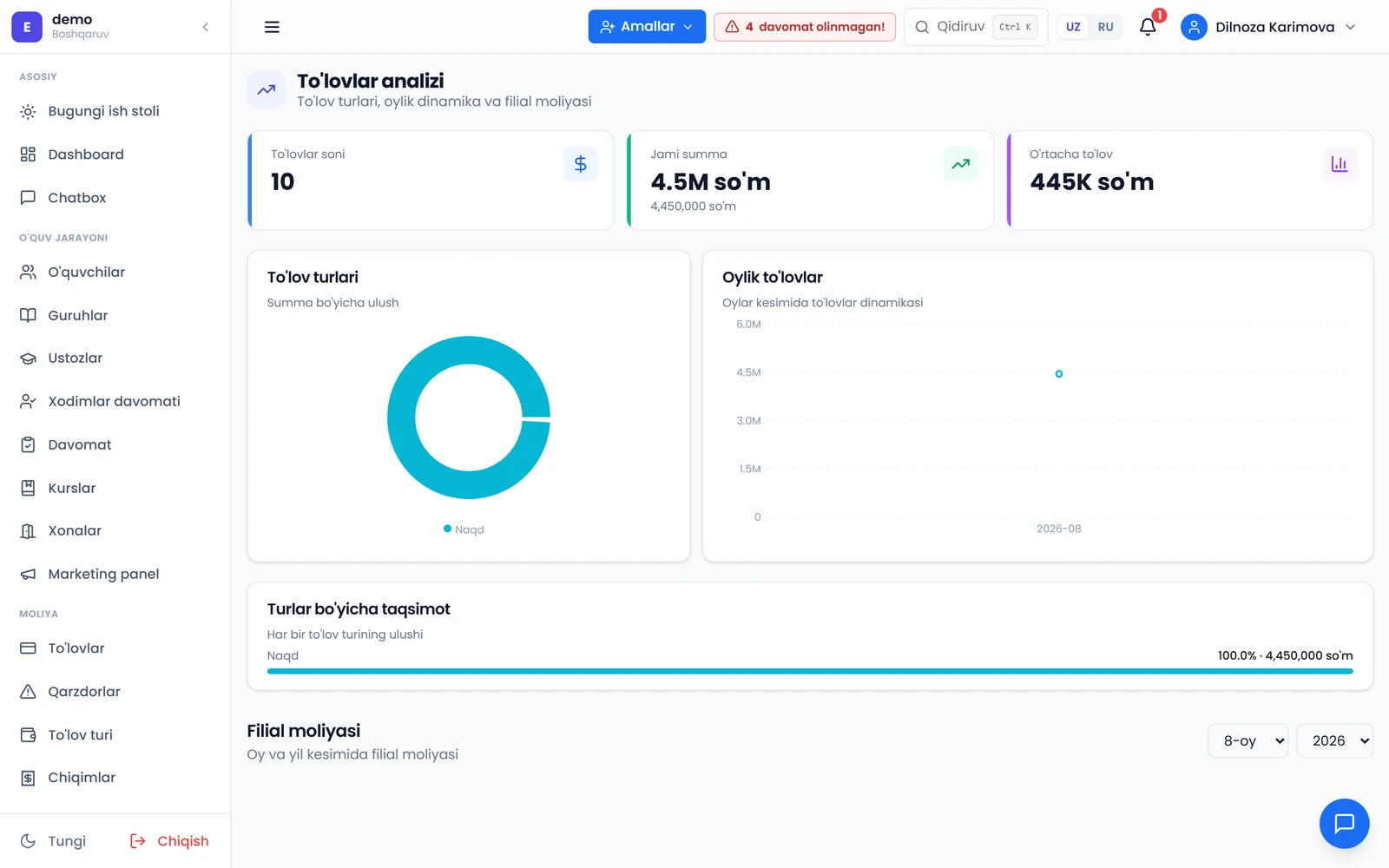
The monthly financial report shows the director revenue, five types of expense, net profit, the center's balance and the number of paying students and debtors on one page. Payment analysis shows the share of each payment method and month-by-month trends, and branch finance compares each branch's revenue, refunds, expenses and net profit.
The break-even analysis in the manager panel compares revenue and costs by day, month and year, and the chart shows which periods made a profit and which made a loss. More: finance features.
How to get started
The trial lasts 30 days with every feature open, so you can run real payments, and your data stays afterwards. Plans start at 200 000 UZS a month: pricing. Before you choose: how to choose an education center CRM — 7 criteria.
- Sign up at director.educrm.pro/register — no card required.
- Add your courses with prices and open groups.
- Upload students with the Excel template and enter each one's current debt.
- Set manager permissions: who takes payments and who can give discounts.
- Connect your smsxabar.uz account and write the due-date SMS text.
Frequently asked questions
Can parents pay through Click or Payme?
Not yet. A student's payment is recorded at the cash desk as cash, card or bank transfer. Click and Payme are only used for the center's own EduCRM subscription.
How is a partial payment recorded?
If a student pays 300,000 instead of 500,000, the system keeps the remaining 200,000 as debt and shows its due date. An SMS reminder goes out automatically as the date approaches.
How do I check that a manager records money correctly?
Every payment is recorded with who took it, when and how, a receipt is printed and overpayment is blocked. You compare the daily cash balance with the real money, and the director sees payments in real time.
Can the financial report be exported to Excel?
Not yet: only the student list can be exported to Excel. Financial reports — daily cash, the monthly report, payment analysis and break-even — are viewed in the panel.
How much do SMS reminders cost?
SMS is not part of the plan: the center connects its own smsxabar.uz account and pays the provider at its rates. We add nothing on top and do not limit the number of messages.